challenge #5

Filter Me Not 😤📱

18

Challenge Summary

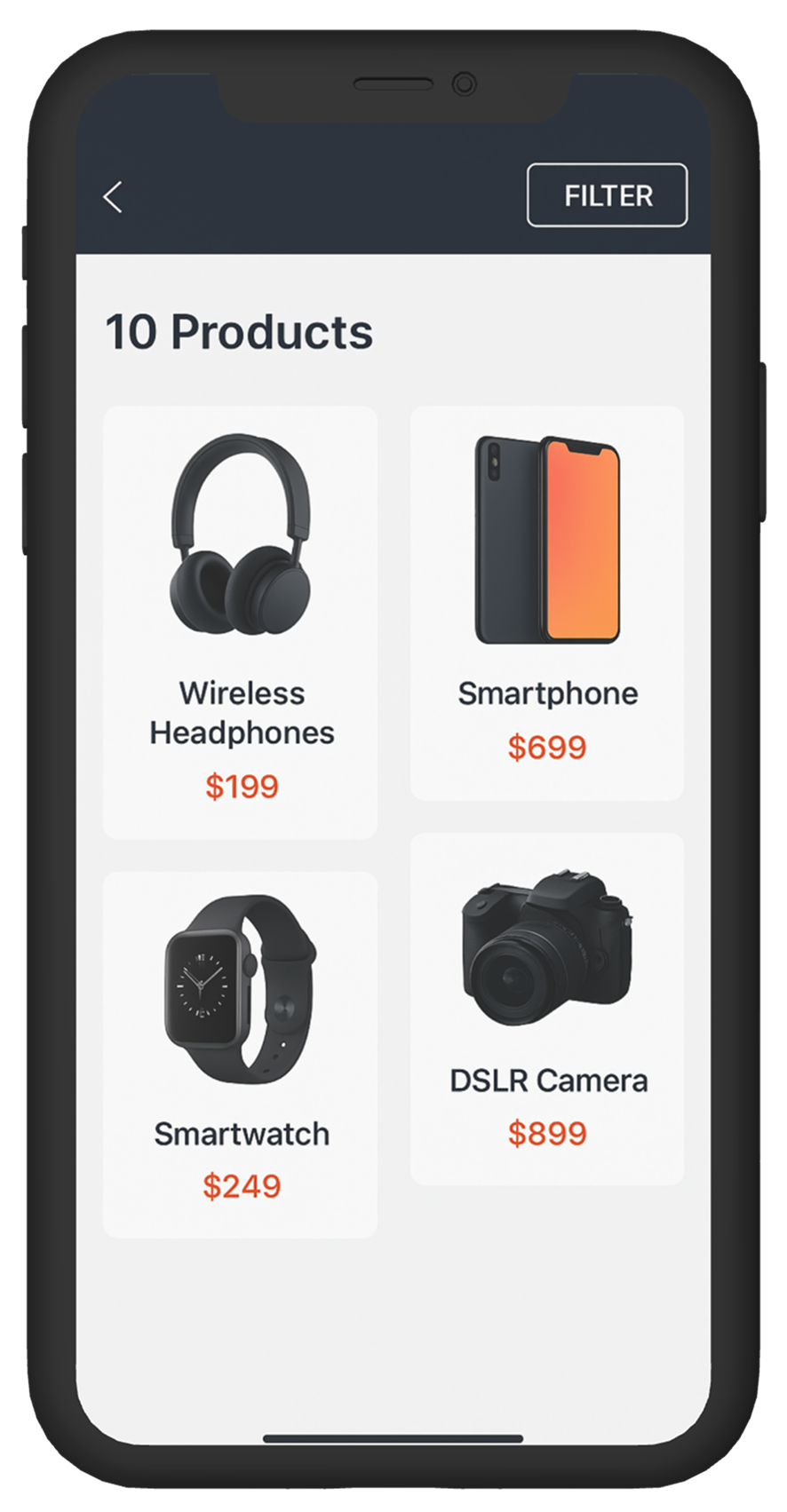
The product listing page looks clean, but filtering is painful.
The site has dozens of filters on mobile, but they’re hidden behind a small icon and lack clarity once opened. Users can’t see what filters are active, the UI resets unexpectedly, and scrolling through categories is frustrating. It’s making exploration feel like a chore.

Tags :

Filtering Experience
Accessibility
Mobile UX
Navigation Issue
Discoverability

Platform :

Mobile

Estimated Time :

45 Minutes

Hear The People

Insights from users, clients, and stakeholders that shaped the experience.

The User says

I opened filters, selected a few things, then hit “back” and everything disappeared. I don’t even know which filters were applied anymore. I gave up and just left the site.

The Client says

We’ve added every filter users asked for, but now it feels overwhelming. We don’t want to remove any — we just want the experience to feel smoother and more intuitive on mobile.

Company Constraints

All existing filter options must remain.. Filtering logic is handled client-side only — no backend changes allowed.. Visual design should stay in line with the brand’s minimal theme

Target User Persona

Defining the real people behind the screens.

Rana, 33, Riyadh

  • Shops frequently from mobile while commuting

  • Likes to browse and compare across categories

  • Gets frustrated by laggy or clunky filter UIs

  • Prefers persistent filters with clear visibility of what’s selected

Heat Map

c#5

Brand Colors

A curated palette aligned with the brand’s identity, tone, and accessibility needs.

rgb(44,62,80)
rgb(236,240,241)
rgb(230,126,34)
rgb(17,17,17)

User Reviews

Real feedback from users — highlighting wins, pain points, and opportunities.

User 1

I like the filter options, but I forget which ones I clicked.

User 2

Takes too many taps to adjust filters.

User 3

Useful filters but poor mobile experience.
Learning Objectives
  • Learn how to improve filter discoverability and usability on mobile

  • Practice designing with limited space and persistent selection feedback

  • Create more task-friendly UIs while retaining all functionality

  • Balance clean UI with deep customization options

Join to Hundreds of Designers

Submit your answer on Linked In using hashtag #uxforces